> For the complete documentation index, see [llms.txt](https://cranford-tech.gitbook.io/beautiful-maps-mapbox/llms.txt). Markdown versions of documentation pages are available by appending `.md` to page URLs; this page is available as [Markdown](https://cranford-tech.gitbook.io/beautiful-maps-mapbox/loading-a-map/setting-a-map-style.md).
# Setting a map style
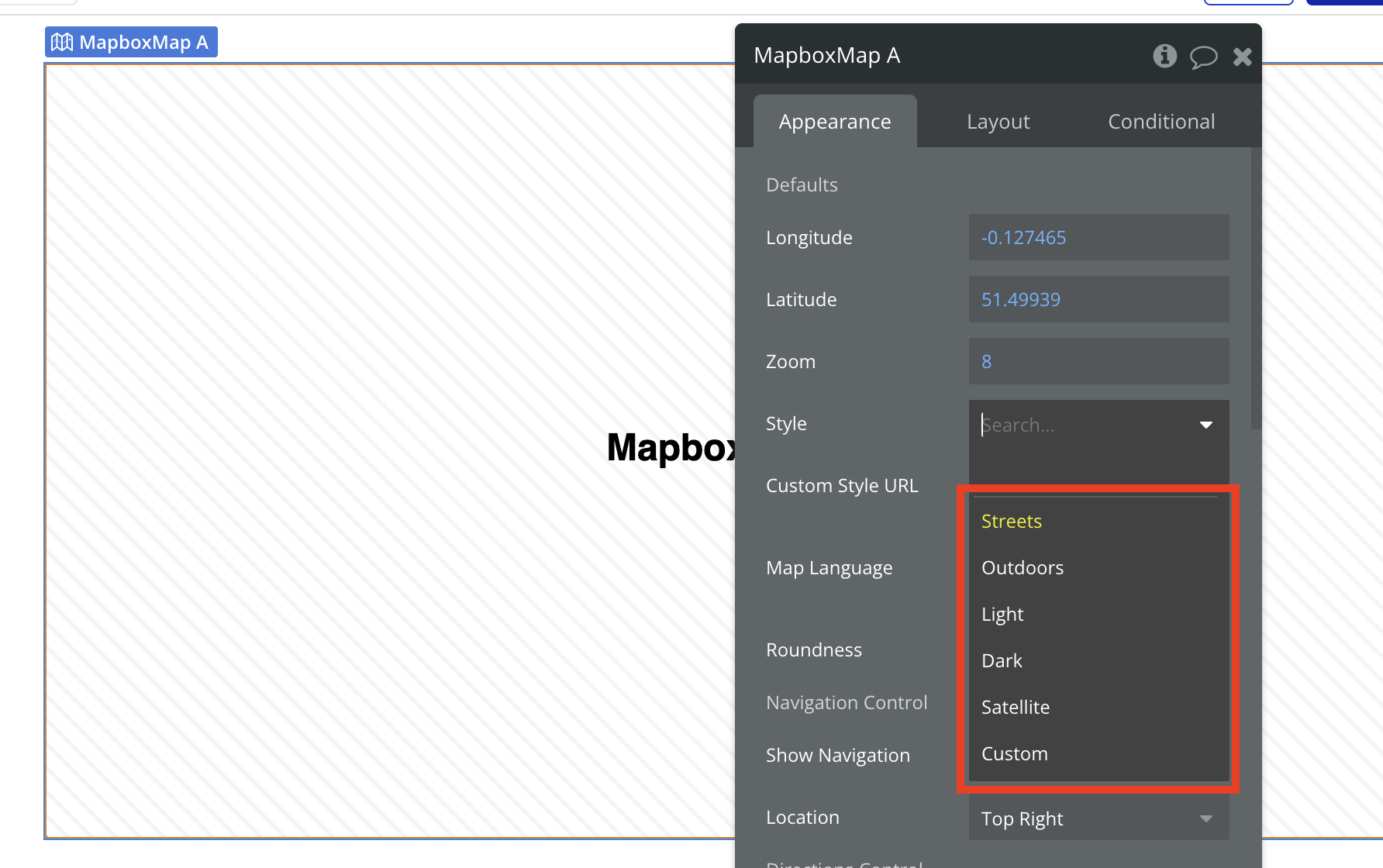
The Beautiful Maps - Mapbox plugin comes with a number of default styles. You can choose a style from the **Styles** field on the Mapbox Map element:
### Custom map styles
If you choose '**Custom**' as the style, you can create a style in Mapbox Studio and add it to the '**Custom Style URL**' field.
To learn more about creating custom styles in Mapbox Studio and adding them to a Map in your Bubble app, watch the video below.
{% embed url="" %}